
Tracks Sales, Invoices, Commissions, Customer Contacts, and more!
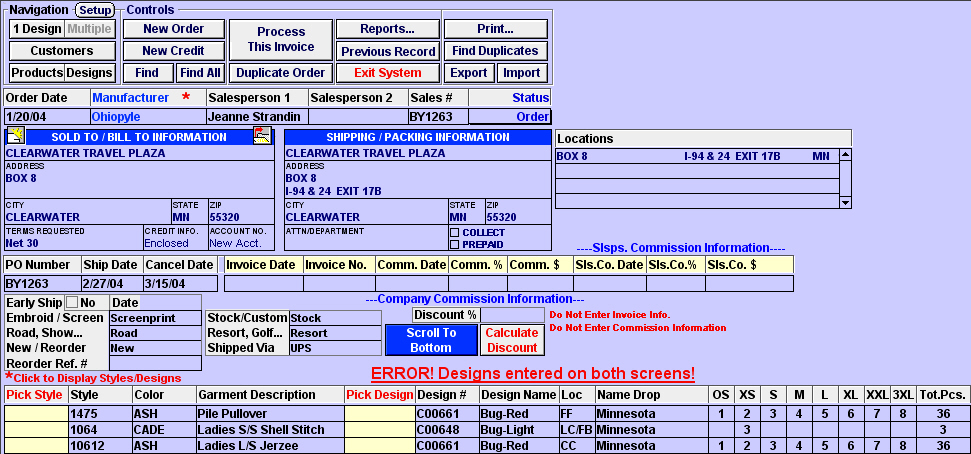
The Order Entry Screen above is where Orders, Invoices, and Commissions are entered and reports are run.
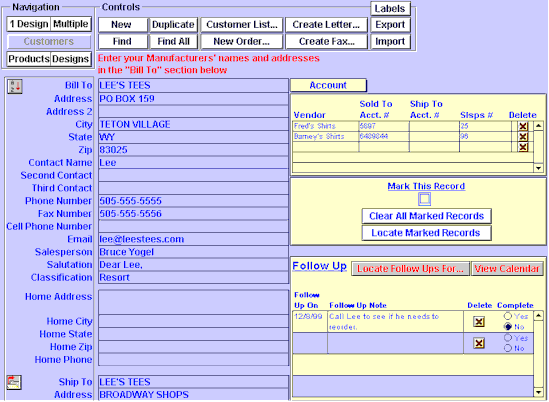
The Customer Entry Screen above is where customers are recorded, dates to follow up are entered and a list of all Orders and Invoices are viewed (see picture below). Allows you to produce letters, form letters, and fax cover sheets.
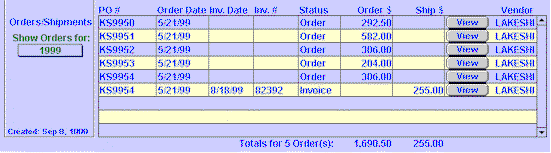
The screen above is at the bottom of the Customer Entry Screen and allows you to see at a glance, Orders and Invoices for this account and view them by clicking the "View" button.